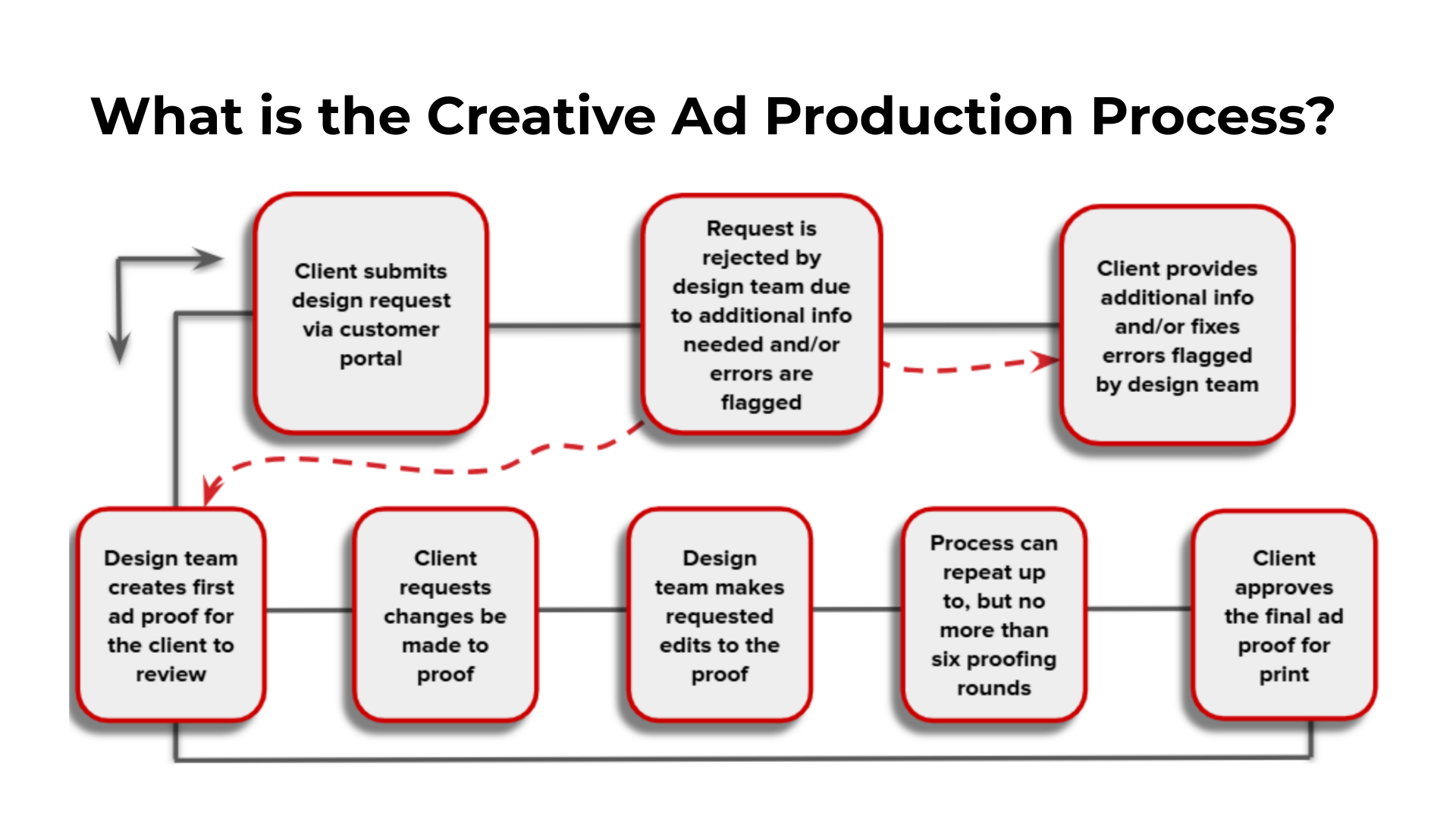
A client has a maximum of 6 total Ad Proofs, meaning 5 opportunities for revisions. After the 6th Proof, revisions are locked in the ARC request. The client can put in a ticket to National Support to request further revisions. If more revisions are granted, they will count as an exception.
At any moment within the production month a proof should be provided to the client within three business days. Within the department we adhere by the 321 Rule:
- 3 business days for a proof, revision, or communication outside of their deadline
- 2 business days for a proof or communication within their deadline
- 1 business day response for a revision request within their deadline
Arc automatically sends out reminders to clients 10 days and 5 days before their deadline every month.
Below walks through the ad production process from the clients view:
Creative Ad Design Production Process (Client POV)
https://embed.app.guidde.com/playbooks/4Xc9ZbkqZmqo7MNr28miAg
Welcome to City Lifestyle's Creative Ad Production Process! We'll guide you through each step of the proofing and approval stages, helping you navigate the process smoothly and ensure your ad meets both creative and quality standards while keeping production timelines on track.
1. Understanding Changes in Distribution
This production process ensures that your ad design meets both your creative expectations and City Lifestyle's quality standards. With up to six proofing rounds available, you’ll have the opportunity to request changes and approve the final design before it goes to print
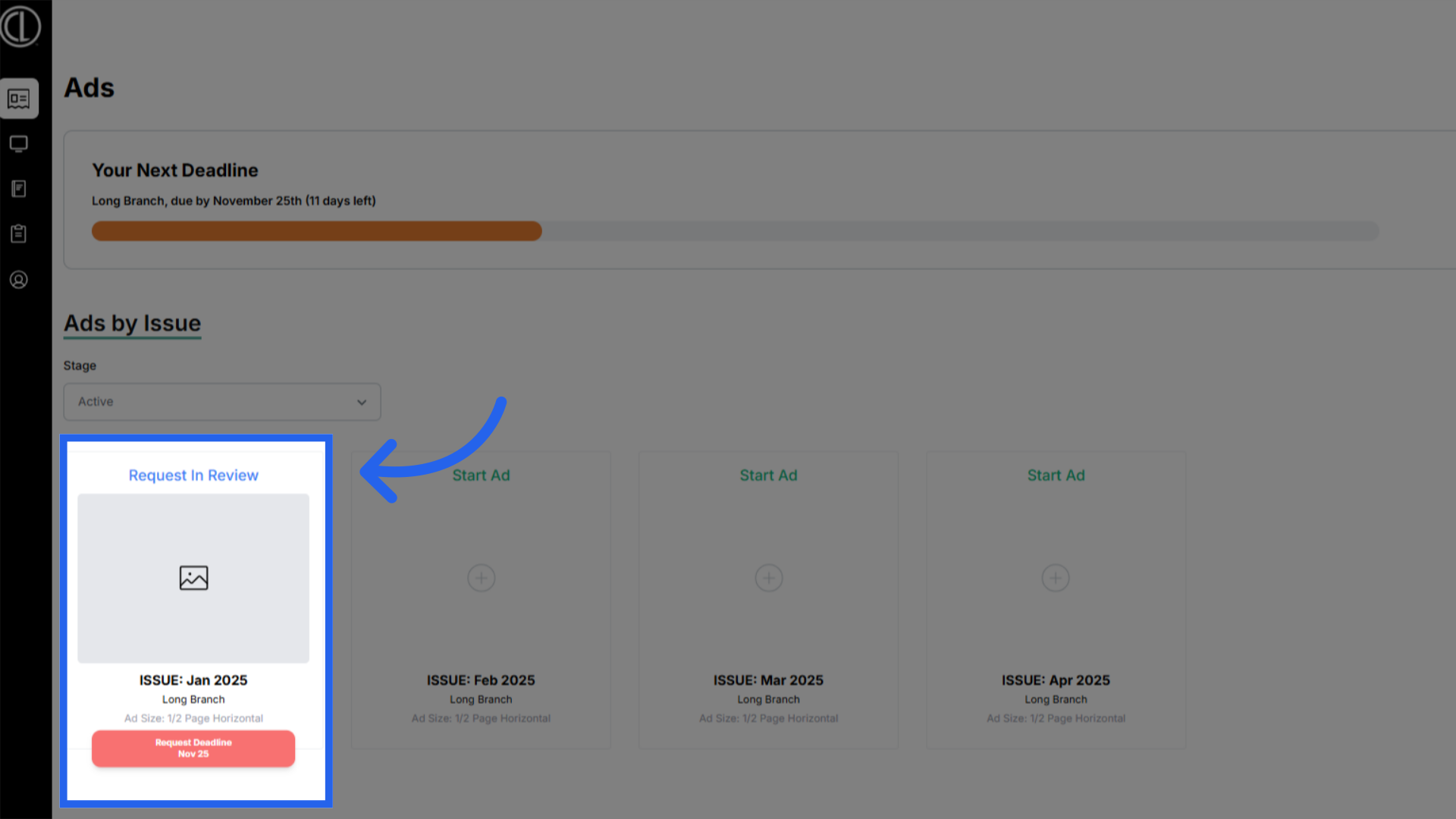
2. Request in review
Once an ad design request is submitted in the Customer Portal by the first ad deadline, clients will receive an email notifying them that their ad has been submitted and is under review. The status in their customer portal will reflect the request is in review.
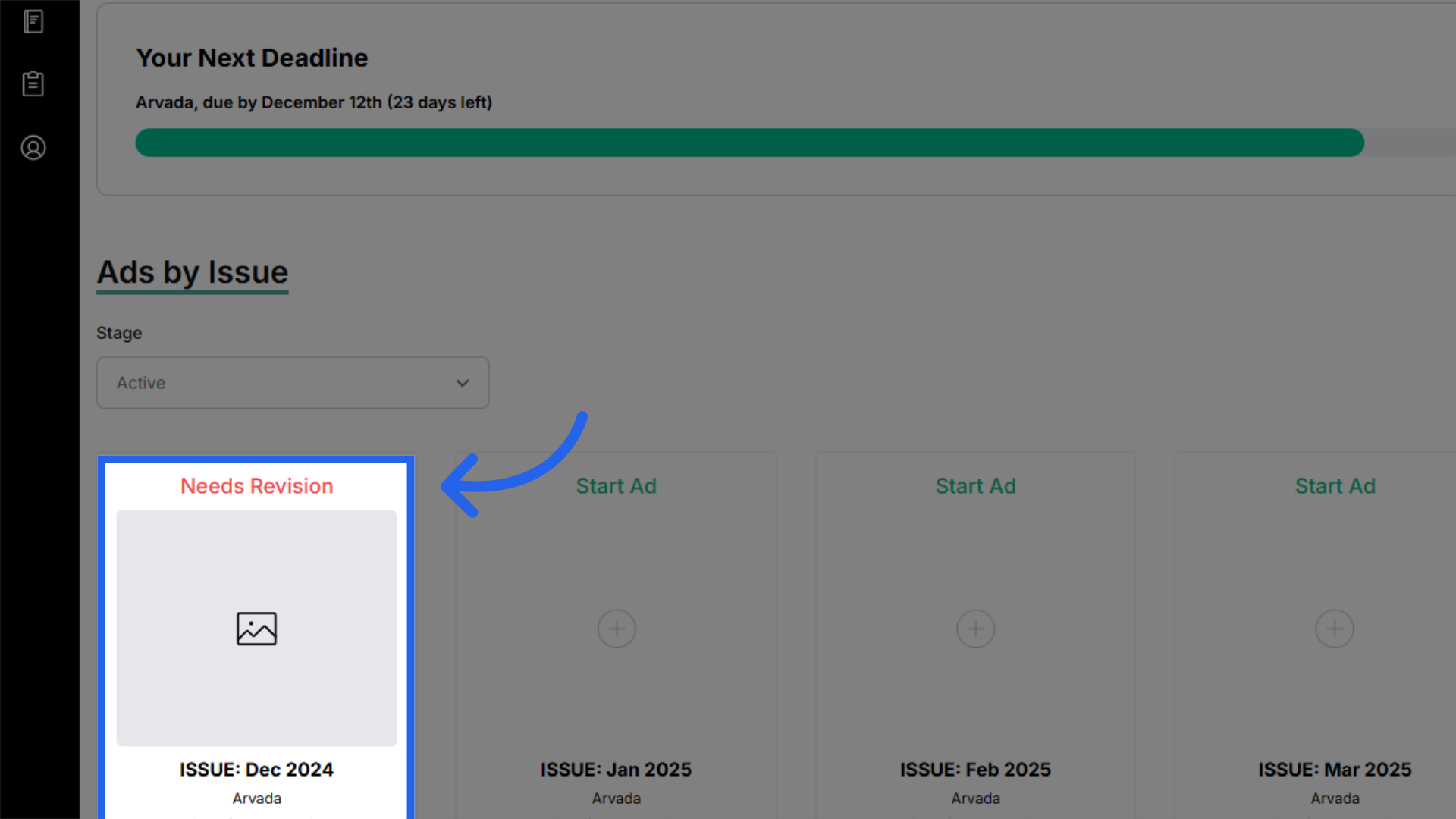
3. Revisions needed
If elements are missing or there are errors, the design team will reject the request and notify clients with specific feedback on what needs to be added or corrected.
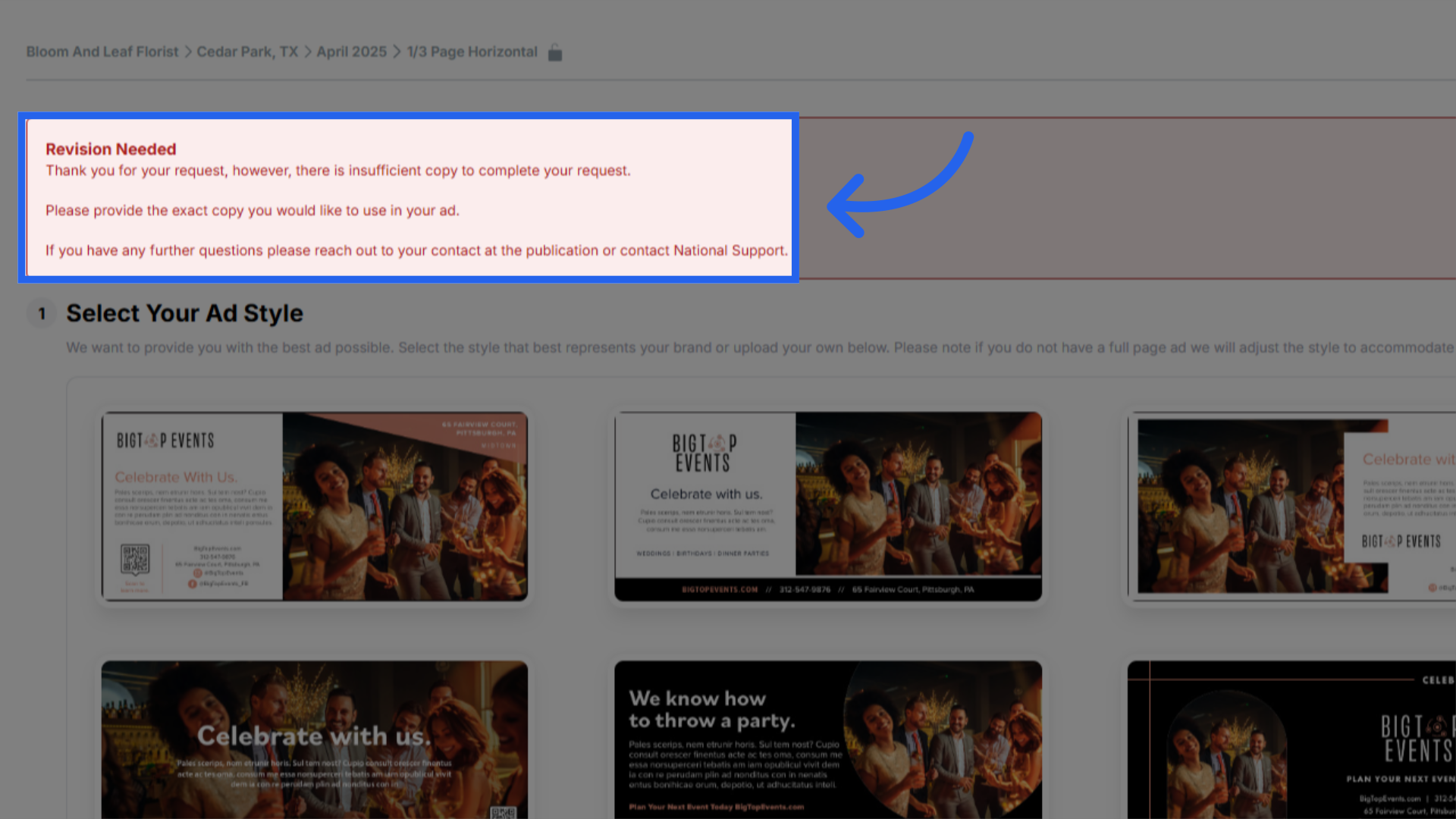
4. Revision Details
Clients should review the feedback, provide the missing information or correct the issues, and resubmit the complete request.
5. Design In Progress
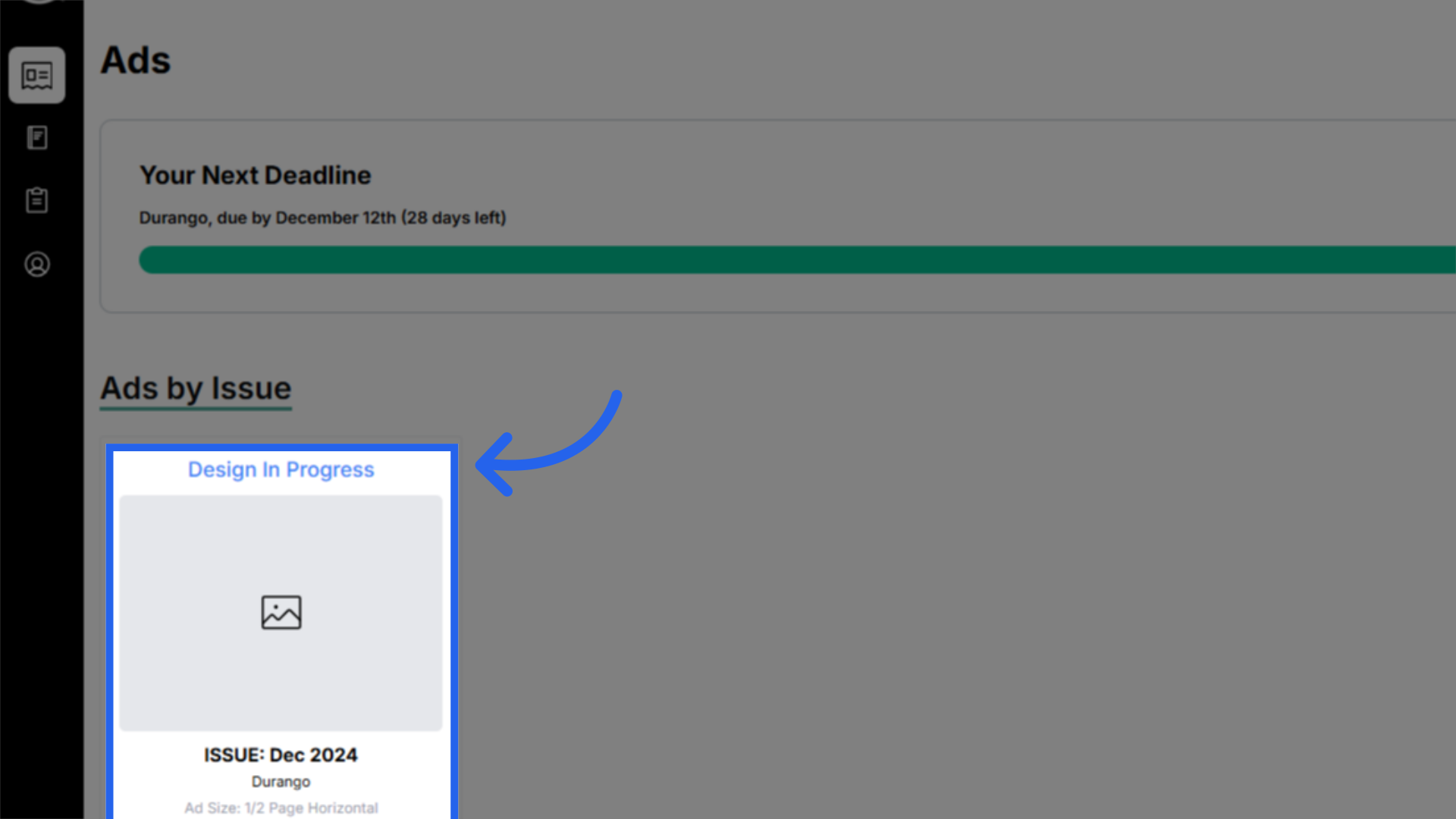
If all elements are provided, the design team will accept and approve the creative request, and the ad will move to "Design In Progress" status. Clients will receive an email confirming that the design process has started.
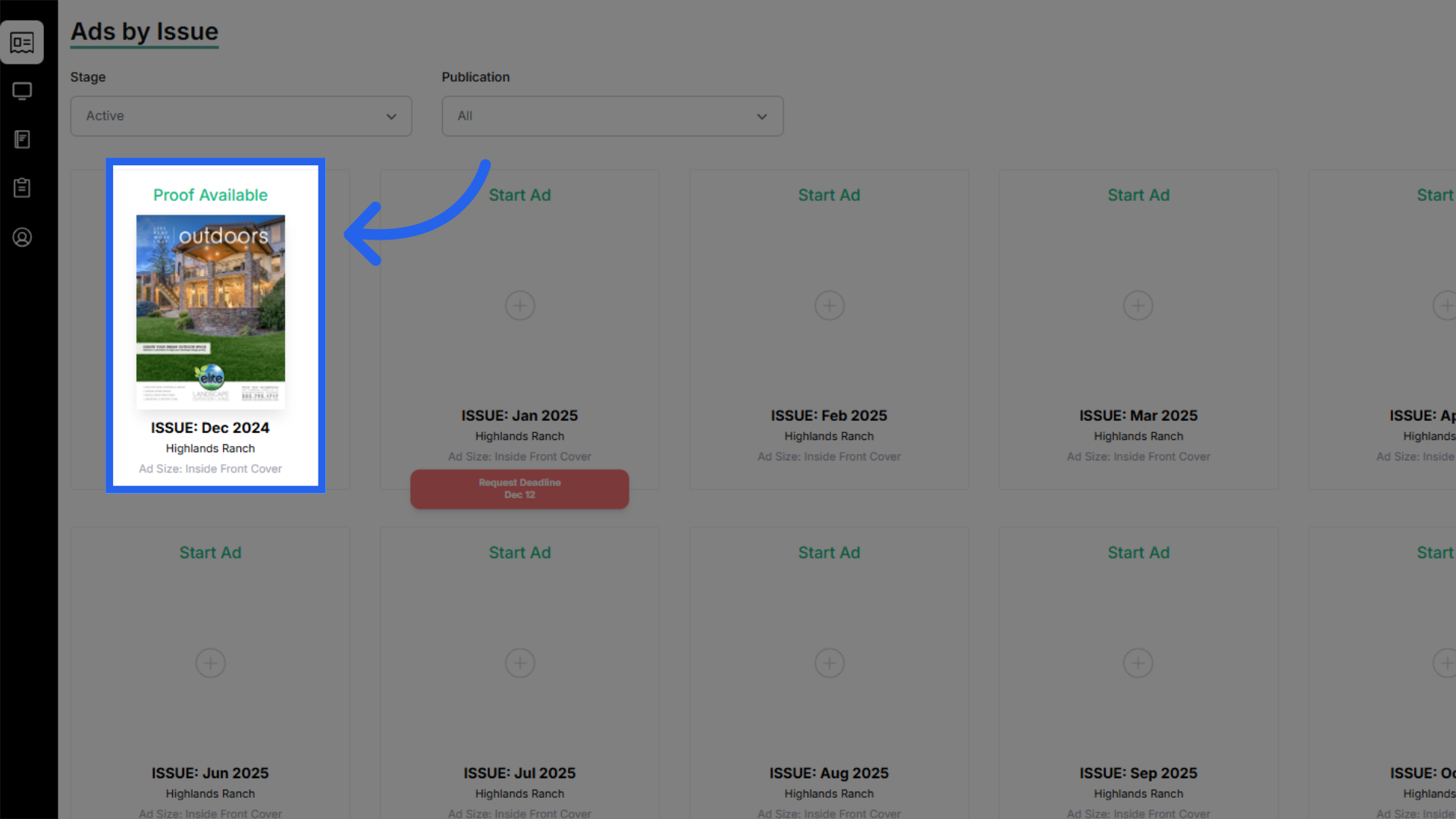
6. Proof Available for Review
Once the design team is finished with the creation of the ad, they will send email notification that the first proof is ready for review. Clients can log into the portal to review the proof.
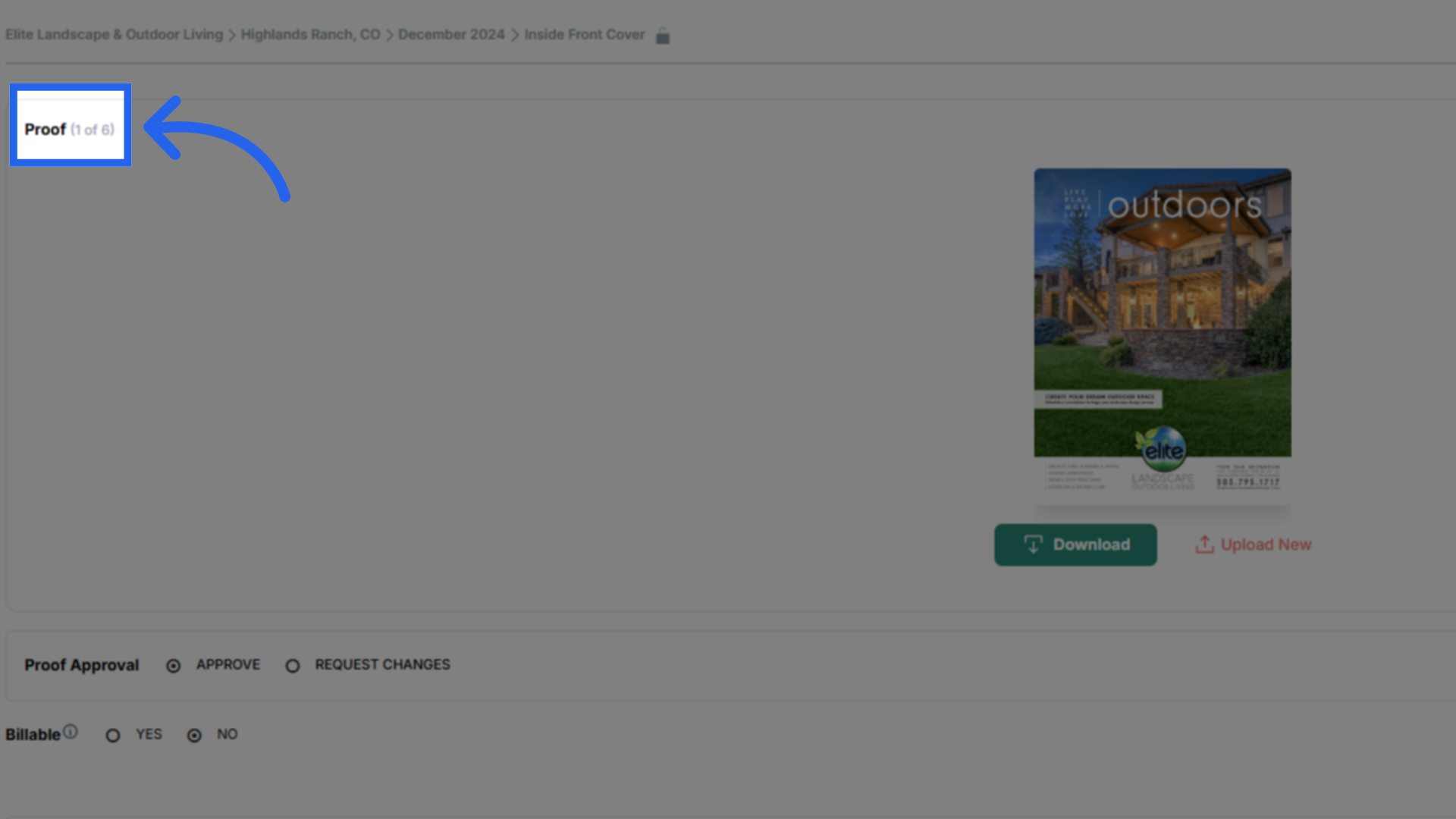
7. Proof Rounds
Upon opening the proof in the Customer Portal, clients can view the current round of proofing, out of six rounds, in the top-left corner of the proof screen.
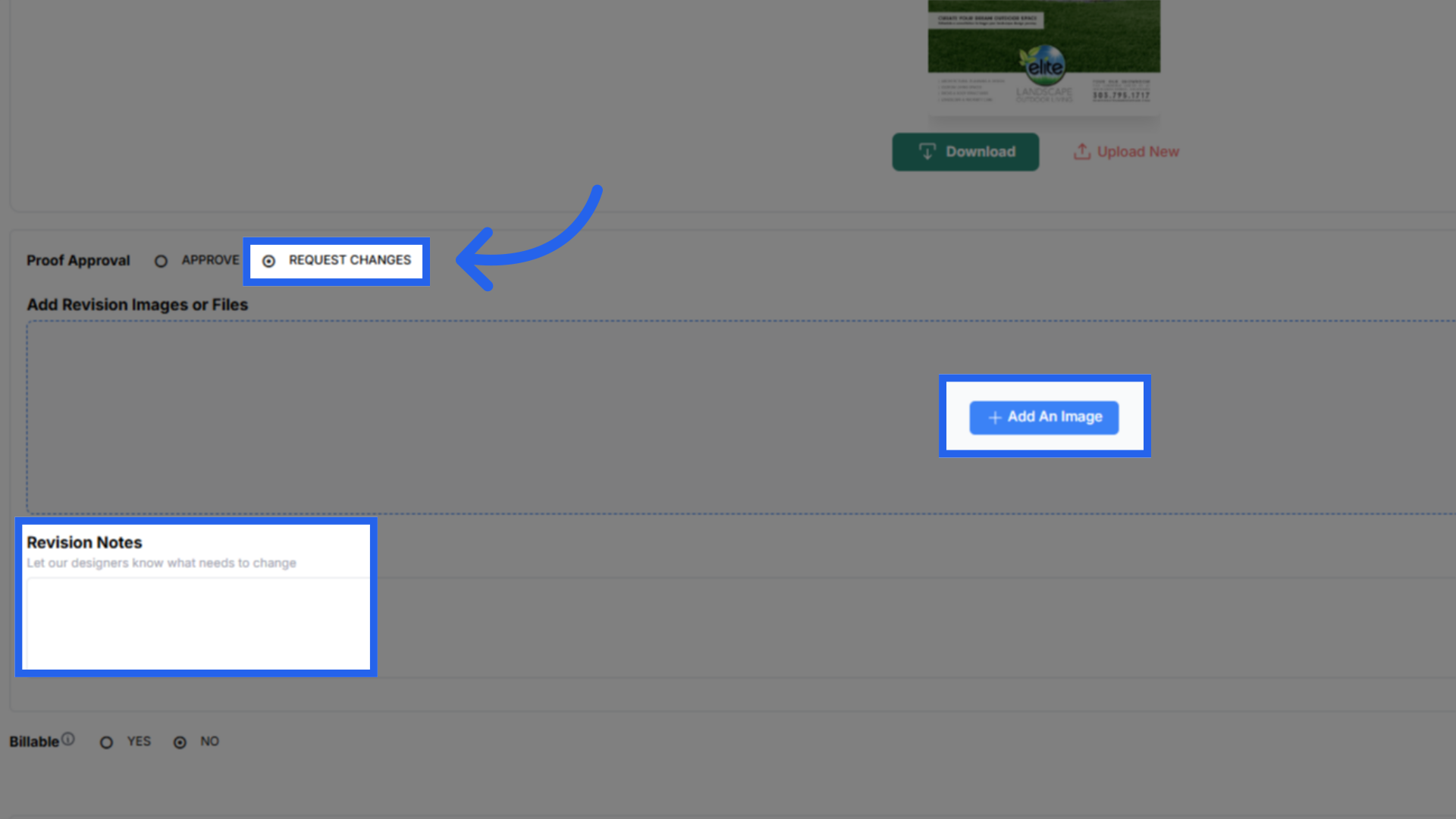
8. Requesting Changes
If revisions are needed, changes can be requested through the customer portal by clicking on the proof and selecting request changes. Additional files or images can be uploaded and detailed notes need to included in list format to ensure the designer understands what adjusted are wanted without missing any details. Clients should enter all of the desired changes in a single change request to minimize proofing rounds.
9. Submitting Change Request
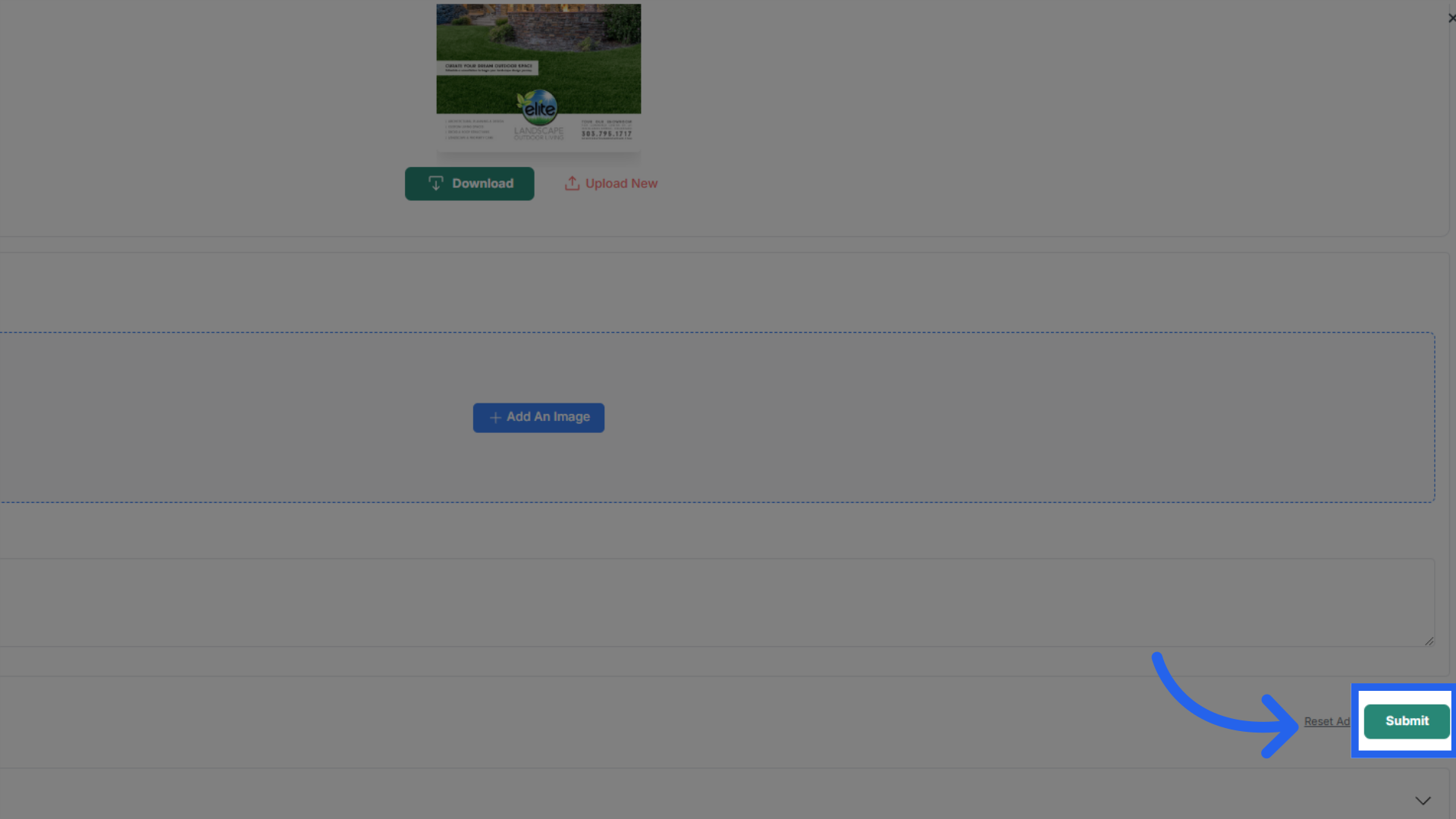
Once all of the details of the change request have been entered, click submit in the bottom right corner to send the request to the design team for review.
10. Request in Review
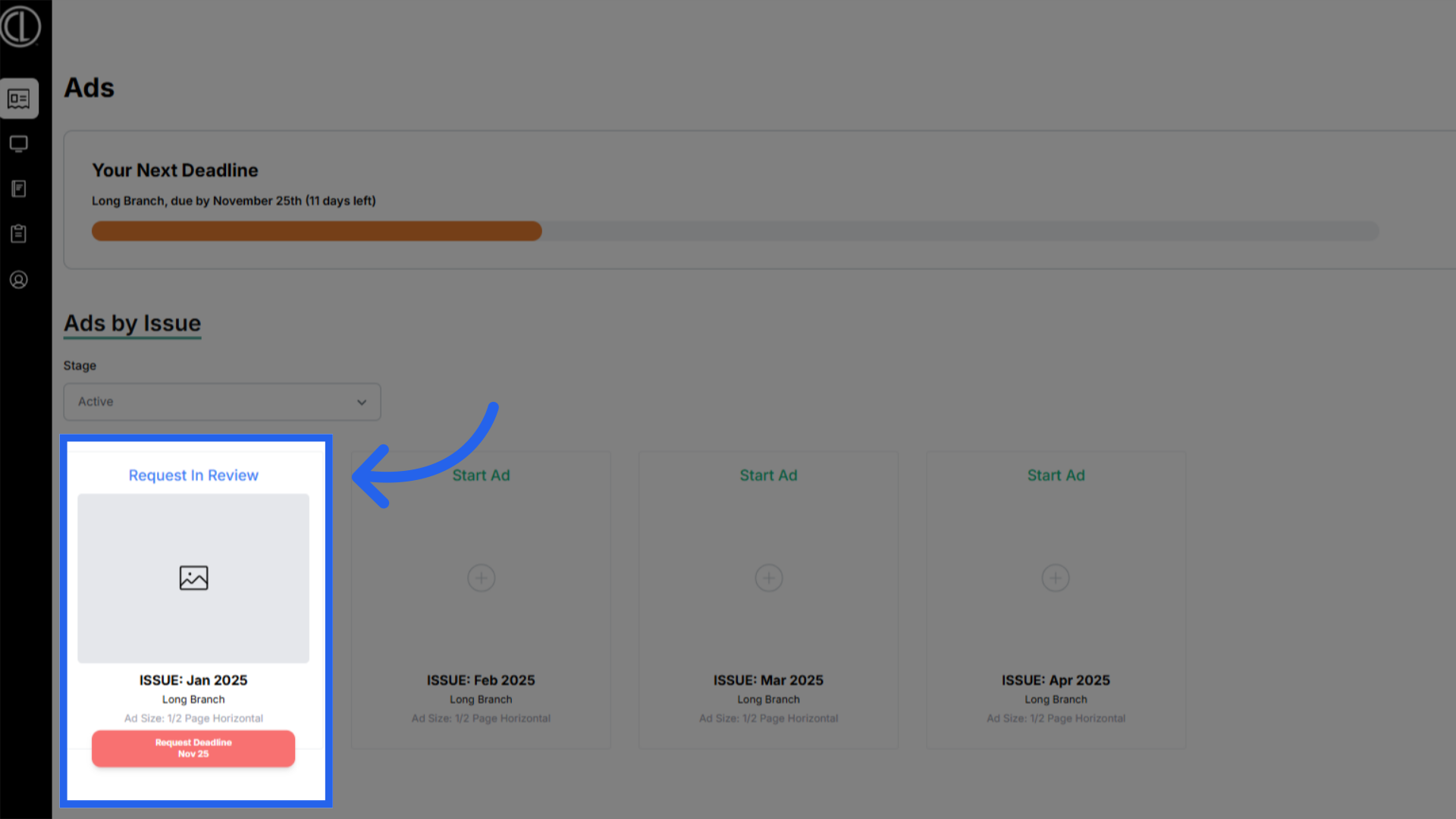
The ad status will change back to "Request in Review" while the designer reviews the changes and begins the production process over again.
11. Final Ad Deadline
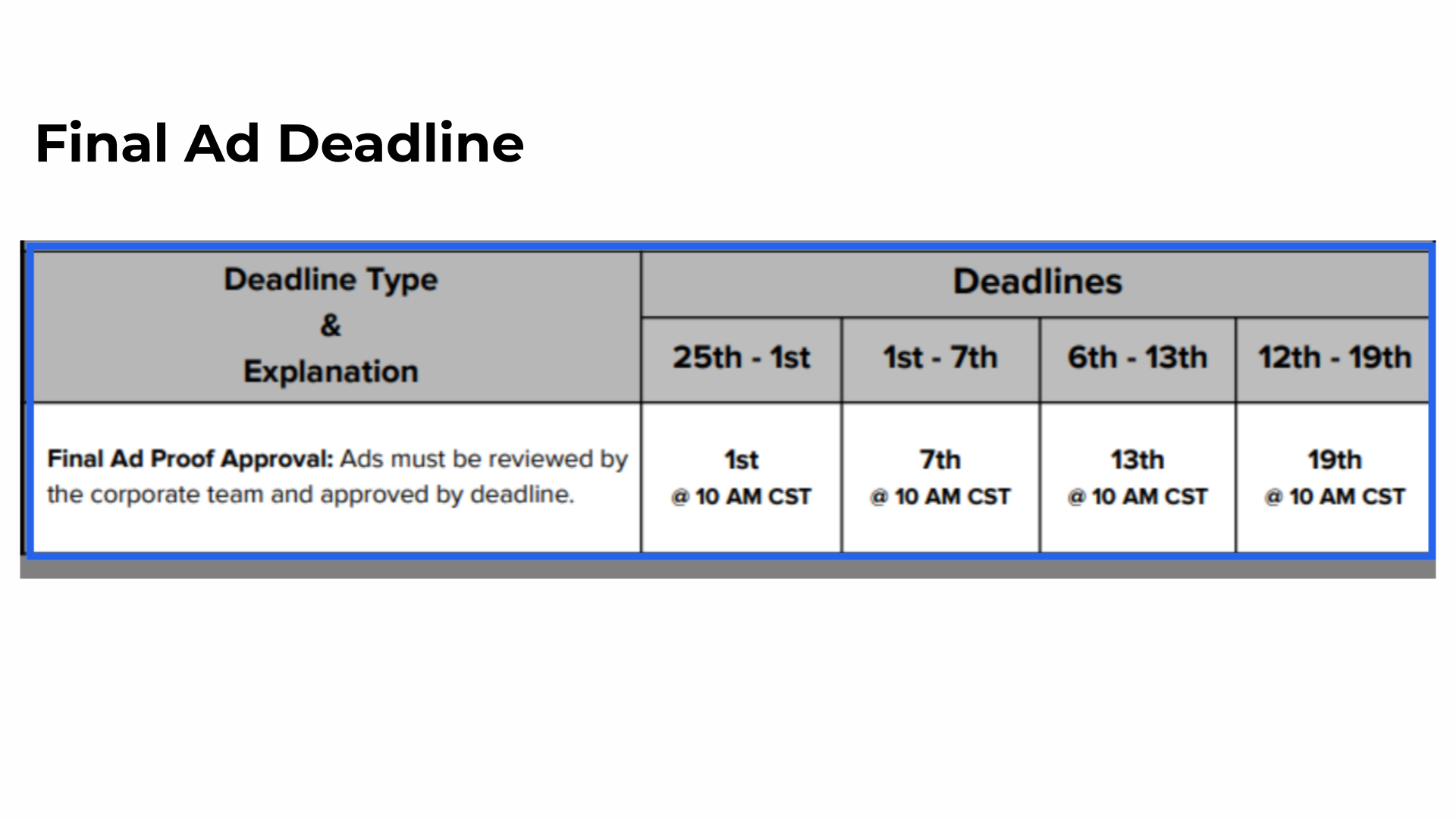
Again, clients are allowed up to six proofing rounds or until their final ads deadline to approve the final ad.
12. Final Approval
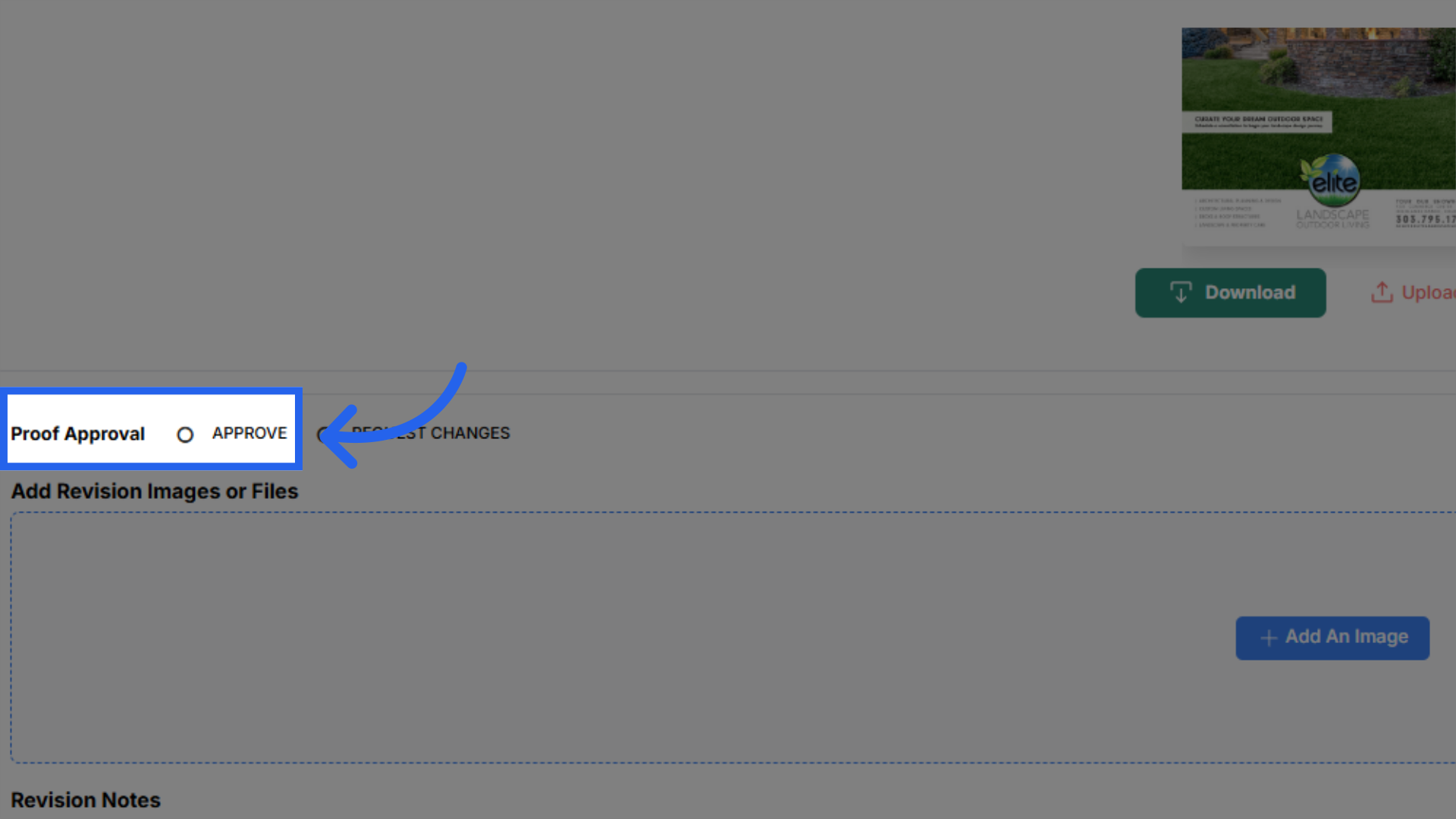
Once clients are satisfied with the ad design, they need to confirm the ad for print. Final approval must be submitted by the specified deadline. It's important to note that if the ad is not approved by this deadline, the ad will not print and a previously approved ad of the correct size will be rerun if available. If a previous ad is not available, a house ad will run in its place, and the client will still be invoiced for the insertion.
 The guide walked you through the creative ad design process.